OpenVPN Client
OpenVPN Client
Virtual private networking (VPN) allows you to access a private network—in this case, the RUPC cluster—over a public network using private IP addresses. OpenVPN is a free, open-source VPN project that supports major operating systems.
OpenVPN clients are available for Windows, Mac OS X, and Linux. Regardless of your operating system, your administrator will provide a configuration file with the .ovpn extension. This file tells the client how to connect to the server and supplies the required connection credentials.
Ask your administrator for an .ovpn configuration file.
Windows
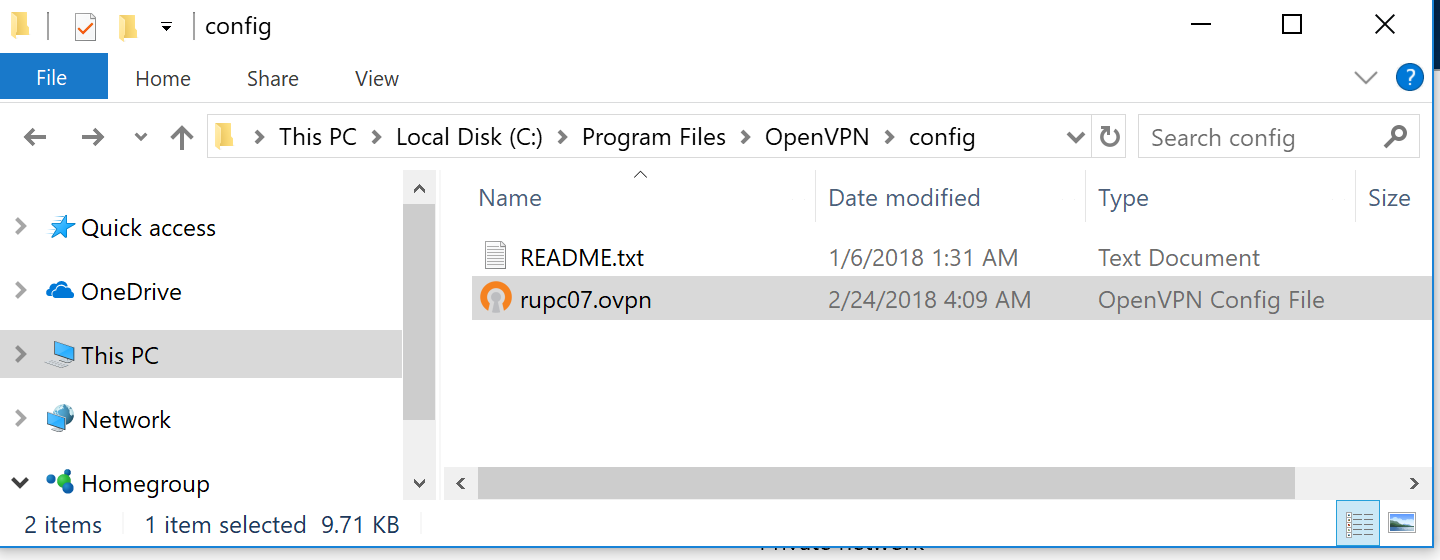
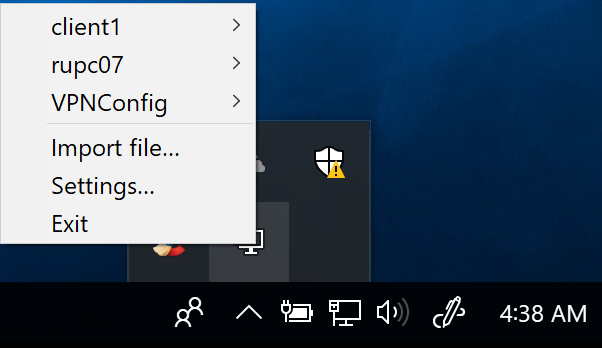
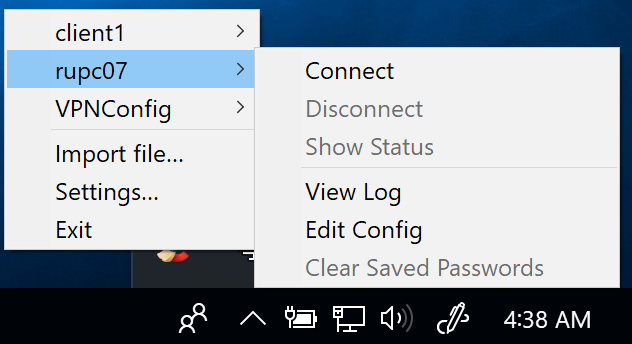
On Windows, you will need the official OpenVPN Community Edition binaries which come with a GUI. Obtain the configuration file from your network administrator and place it in C:\Program Files\OpenVPN\config
Mac OS X
On Mac OS X, the open source application Tunnelblick provides an interface similar to the OpenVPN GUI on Windows, and comes with OpenVPN and the required TUN/TAP drivers. Download Tunnelblick app and install it. As with Windows, the only step required is to place your .ovpn configuration file into the ~/Library/Application Support/Tunnelblick/Configurations directory. Alternatively, double-click the .ovpn file, or start Tunnelblick and drag the file onto its menu bar icon or the configuration list in the 'Configurations' tab of the 'VPN Details' window.
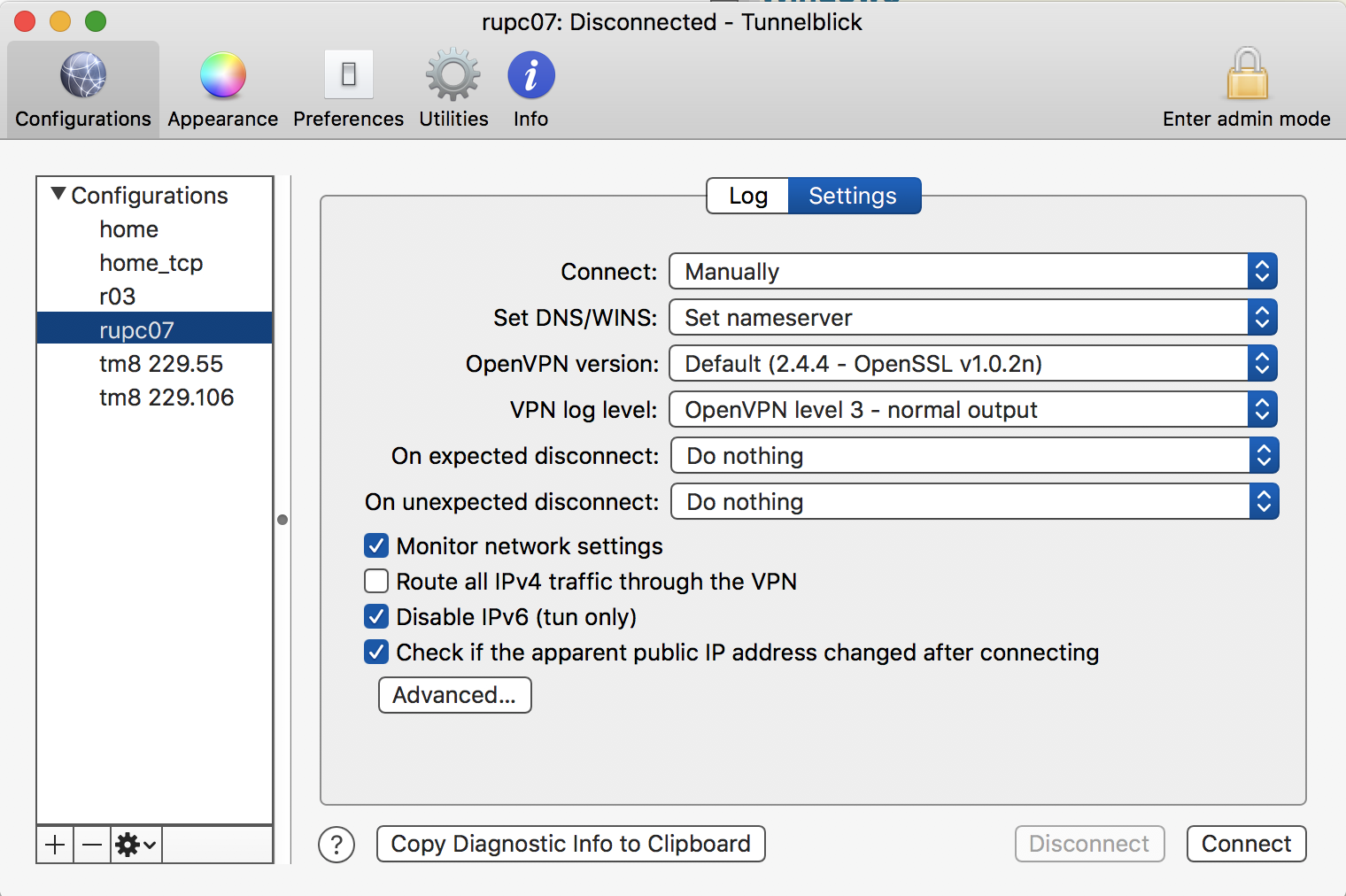
To install several configuration files at once, select them and drag them together. Obtain these .ovpn files from your network administrator or VPN service provider.
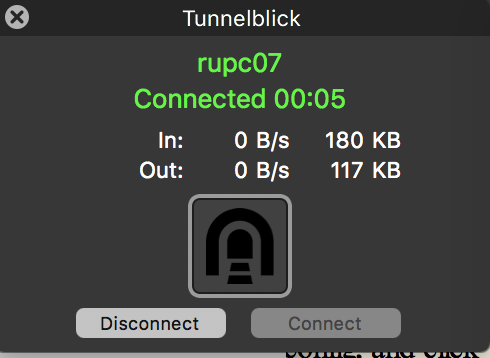
After the "Authorization" and "Getting configuration" stages, you should see a green "Connected" message, as shown below for the rupc-01 connection.
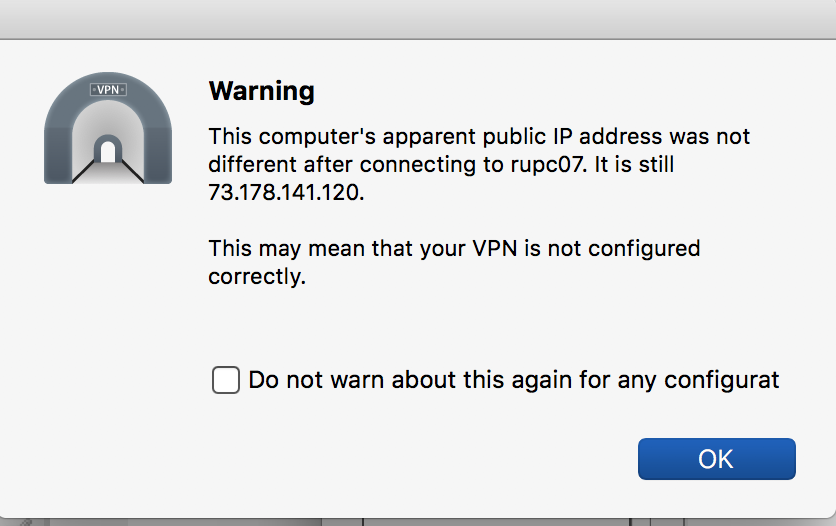
Read any connection warning before proceeding. If it concerns the certificate, server identity, or security settings, ask the cluster administrator to verify it.
To disconnect from the server, click Disconnect in the connection status window.
Linux — Rocky Linux 9 Client
On Linux, install OpenVPN from your distribution's official repositories if it is not already installed. On CentOS 7, use:Run these installation commands on your own Rocky Linux 9 computer, or ask its administrator to install the client. Do not install a VPN server or generate new server certificates to use the cluster VPN.
sudo dnf install dnf-plugins-core epel-release
sudo dnf config-manager --set-enabled crb
sudo dnf install openvpn
Obtain your personal .ovpn profile and any accompanying files from the cluster administrator. Use the supplied server address, port, protocol, and credentials; do not replace them with values from a generic tutorial. Keep the profile private.
In the directory containing the supplied profile, start the connection:
sudo openvpn --config ./rupc-01.ovpn
Use your actual profile filename if it differs. Leave the terminal open while using the VPN; press Ctrl+C to disconnect. After the connection is established, inspect your addresses and routes with:
ip -brief address
ip route show
Then continue with the cluster login instructions below. Other Linux distributions use different package-management commands; their OpenVPN clients can use the administrator-supplied profile as well.
References: Rocky Linux OpenVPN guide and Rocky Linux repository documentation.
What next?
After installing and configuring the OpenVPN client, start it and connect to the network. To access RUPC, use its private IP address: 192.168.201.211.
In a Linux or Mac OS X terminal, enter:
ssh -l your-rupc-username 192.168.201.211 .
On Windows, enter your RUPC username and the IP address 192.168.201.211 in the corresponding fields of your SSH client, such as PuTTY.
Useful Links and References
- Windows: Official OpenVPN download page
- Mac OS X: Official Tunnelblick download page
- Linux: Starting OpenVPN and testing connectivity
Conclusion
If you encounter problems with installation or connection that you cannot resolve, please contact me by emailIf the VPN Does Not Work
Use the private IP address, such as 192.168.201.211, rather than the public hostname rupc-01. Use the following command to access the cluster:ssh -l your-rupc-username 192.168.201.211.